Tools of a Fundamental Analyst
These are the tools I personally use:
- Tickr
- Notebook LM
- Koyfin
They all have free plans, which are really quite complete and you can work with them.
TIKR
URL: https://www.tikr.com
Purpose: allows you to see with accuracy the accounting of the company we are analyzing. Here we need to clarify a bit, each company that is available on the stock market has to present its accounting in an open manner, which means you can get the company’s accounting for free. So why use Tikr? You’ll see it with an example in the Advanced Module, when I explain how to get the accounting data necessary for analysis.
But a simple explanation would be that Tikr is very useful, especially at the beginning due to several reasons:
Data structure: you will always see fields named with the same name. This point is the one that carries the most weight in the balance, because while it is true that the company has to present it publicly and openly, there is no international consensus on what to call that value, for example, one company may mention revenue and another may call it sales and a third one, profit, all three are correct and mean the same thing, but if you’re starting out it can become a complicated task.
Accounting data (Dataset): Tikr reviews the accounting documents that the company shares meticulously, it reads the document completely. Comments in accounting entries are very important and sometimes communicate corrections, whether of profits, debt, future investments, or any other data that needs more context.
Just for these two points, I would choose Tikr, but I understand that not everyone can afford to pay for a subscription, which is why I put special emphasis on the accounting section, so you can see how to get the data for free.
How to get started?
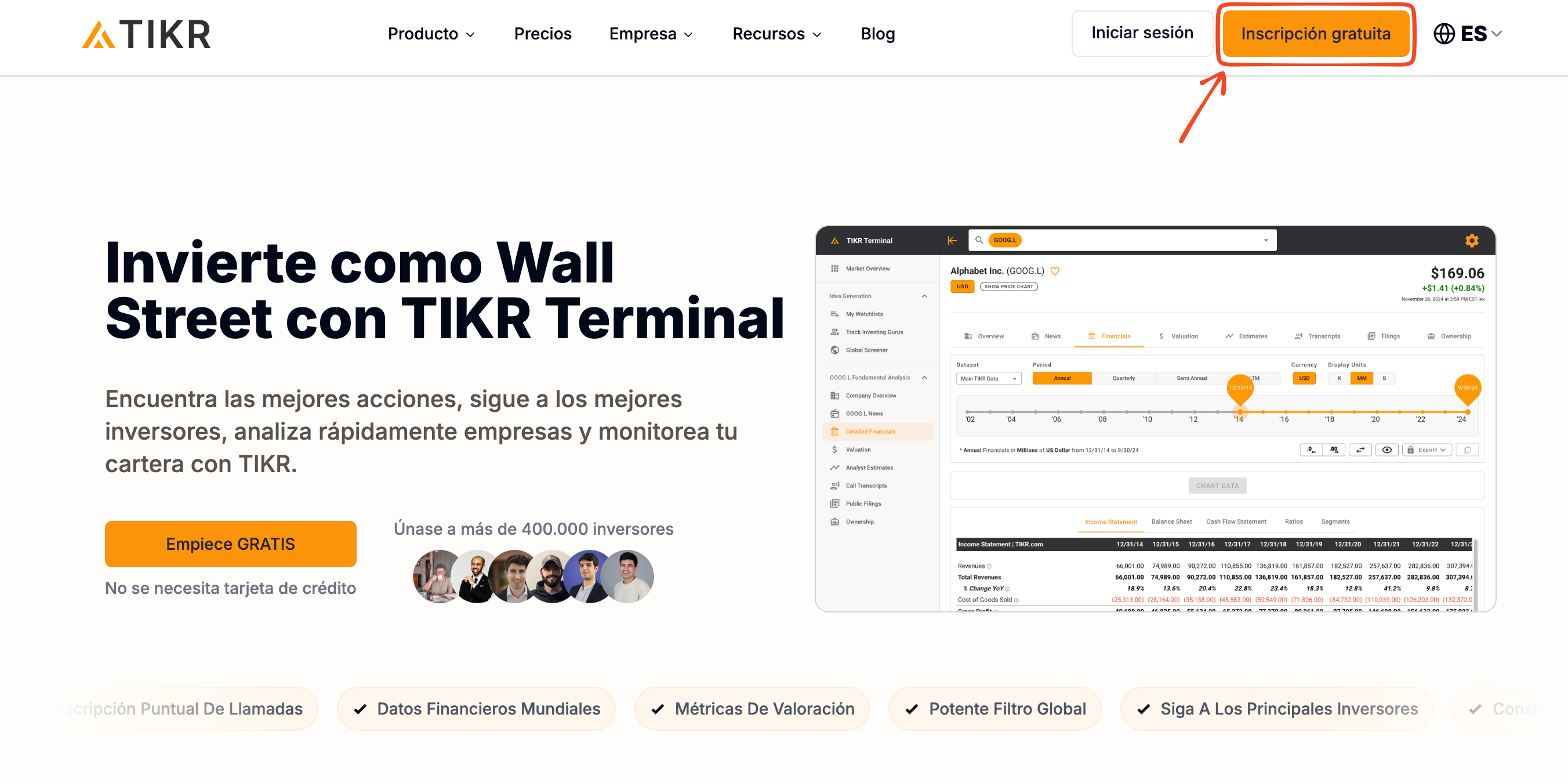
When you enter the URL, you will see the main page. Click on “Free Registration” to create an account. Fill in and follow the steps indicated by the platform.
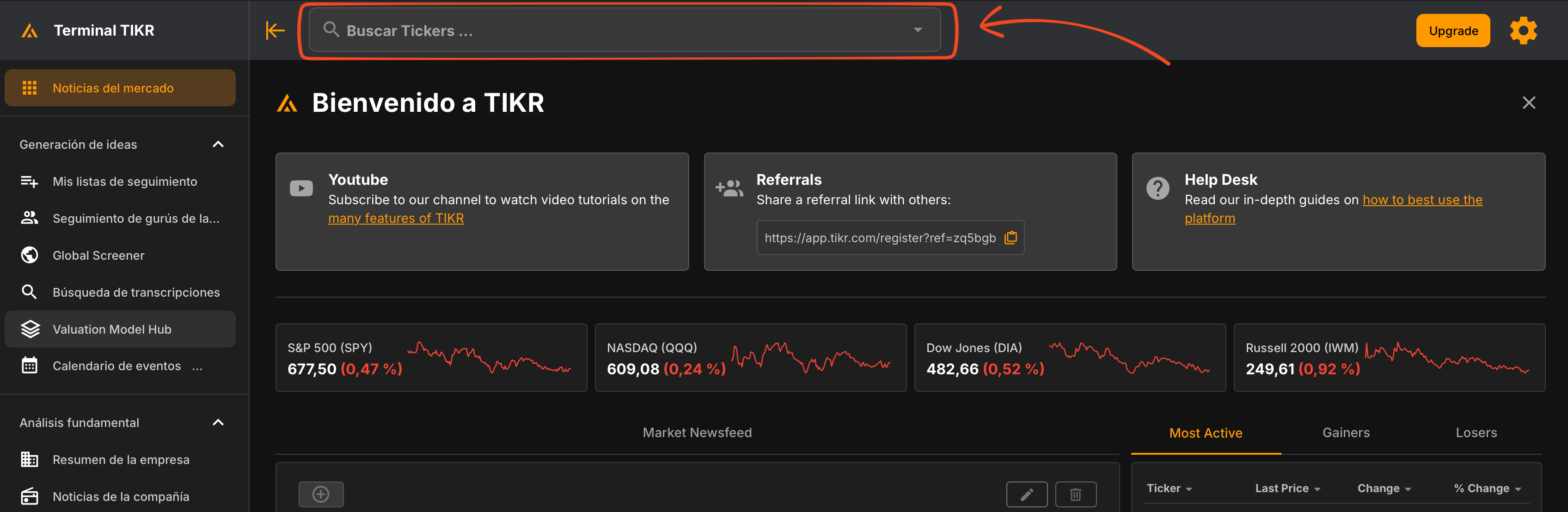
When you have an account and access the platform with your username and password, you will be redirected to the main page, where you will see a search field.
As an example, let’s search for the company Apple (Ticker: AAPL).
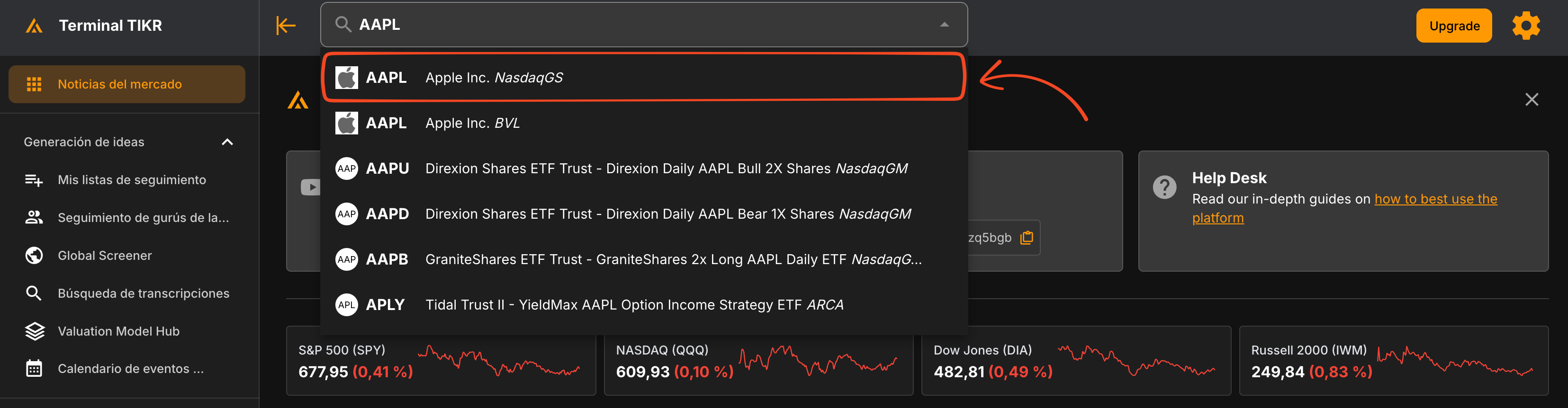
When you click on AAPL, you will be redirected to the “Company Summary” page. The one that really interests us is the “Detailed Financial Information” page.
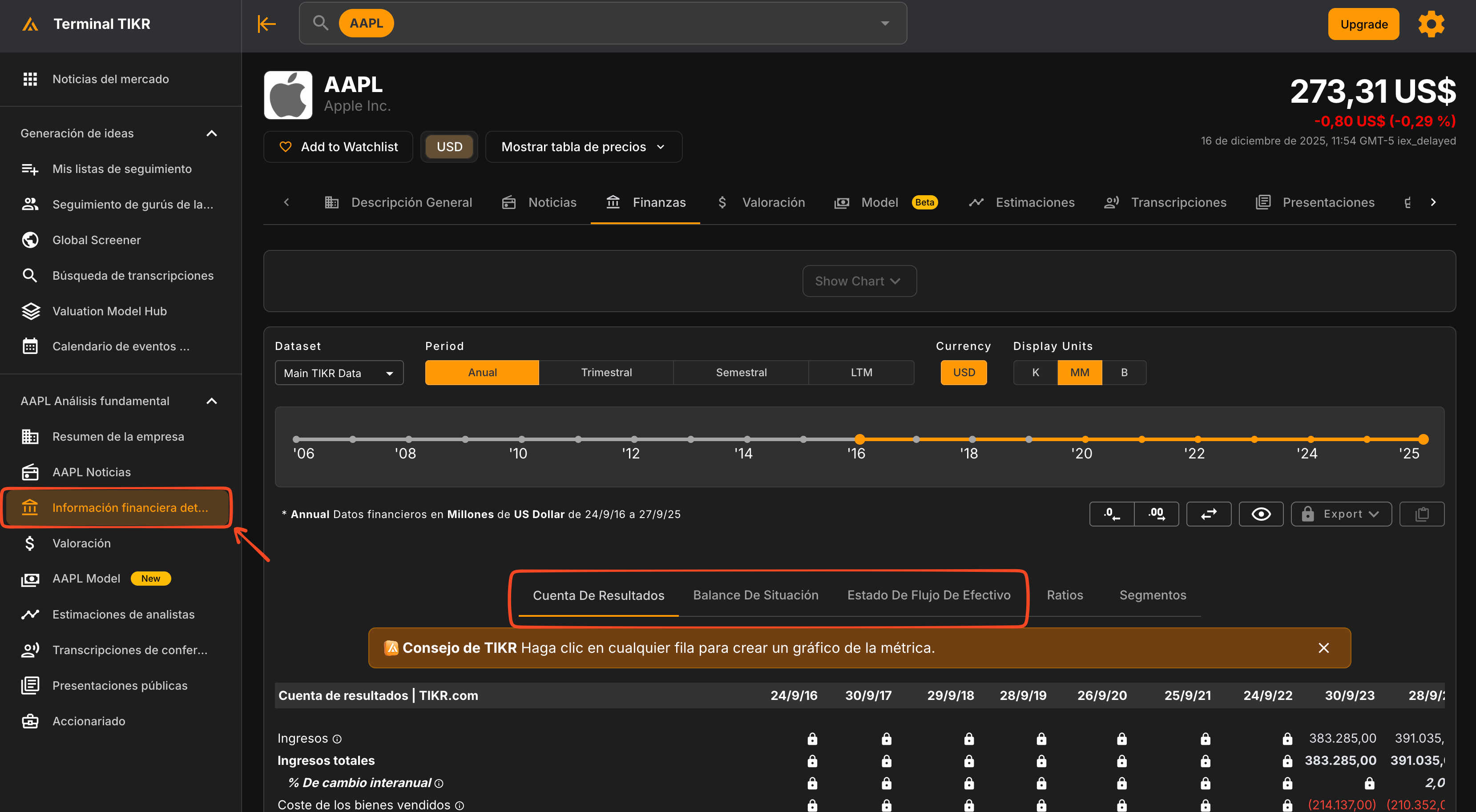
As you can see in the image, the free plan only has data from the last 3 years available.
What are the most useful sections?
The ones I use are,
- Detailed Financial Information: where I check the Income Statement, Balance Sheet, and Cash Flow Statement.
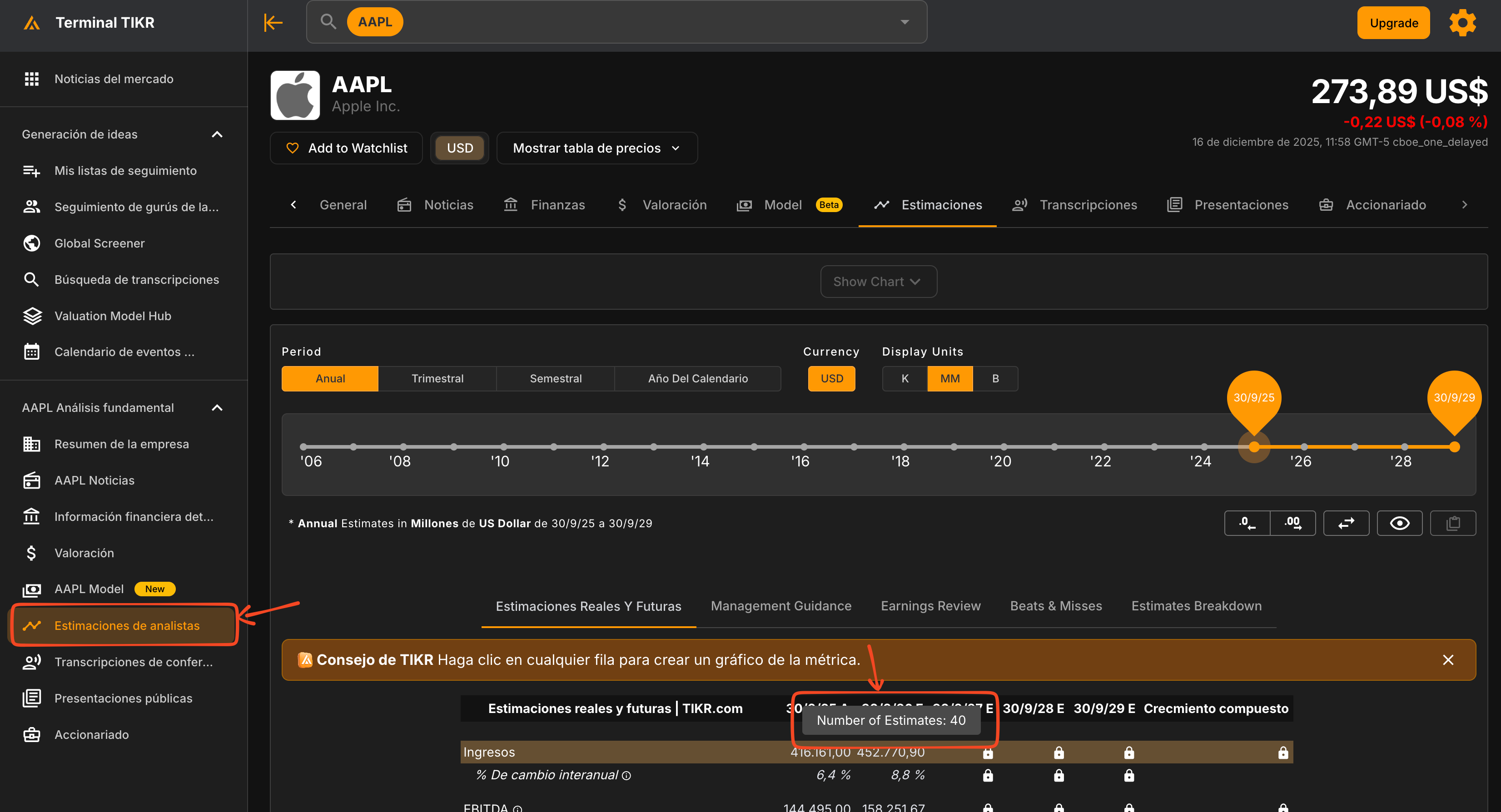
- Analyst Estimates: I look at the estimates that are followed by more analysts, they are usually the most accurate. These estimates help me see how other analysts perceive the company, I don’t usually pay much attention to them but they help me in certain situations.
NOTEBOOK LM
URL: https://notebooklm.google/
Purpose: it is an artificial intelligence developed by Google that can learn from the information you give it, for example, from the book you are reading or studying, or from personal notes you take on anything: recipes, courses, diary. It should be noted that its “knowledge” is based solely on those documents provided by you.
How does it work? The theory is as follows, you must upload/share with notebookLM a file compatible with the platform, give it time, as it will have to process it, once it finishes processing it, you can ask it any information that is in the file.
An important point to highlight is that it does not use the information you provide to train the model, so your personal files are completely safe.
Personally, I usually use the tool with extensive documents, especially when I start analyzing a new company or when the presentation is in another language. It helps me understand and structure information clearly, which allows me to save a lot of time.
How to get started?
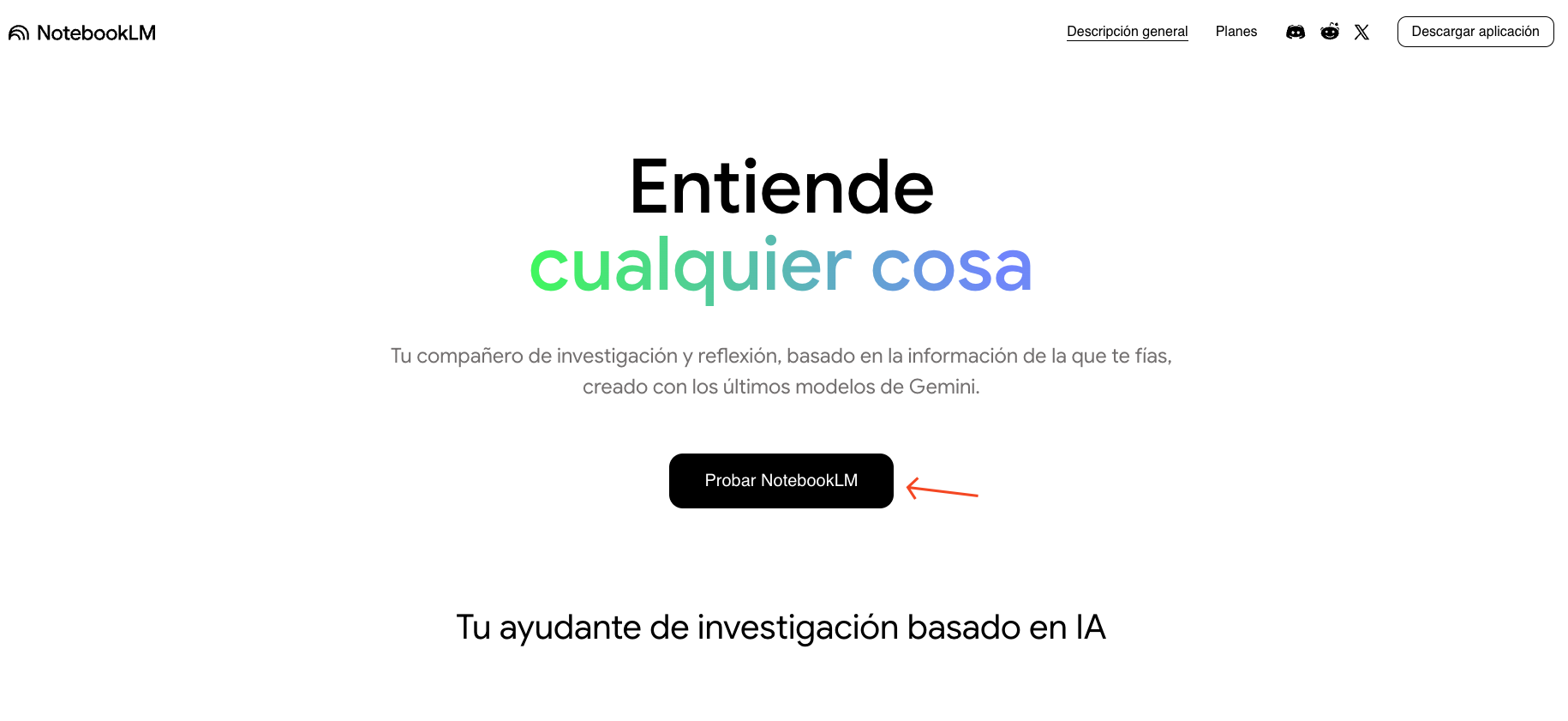
You must have a Gmail account. If you don’t have one, you can create it directly from NotebookLM, enter the page and click “Try NotebookLM”
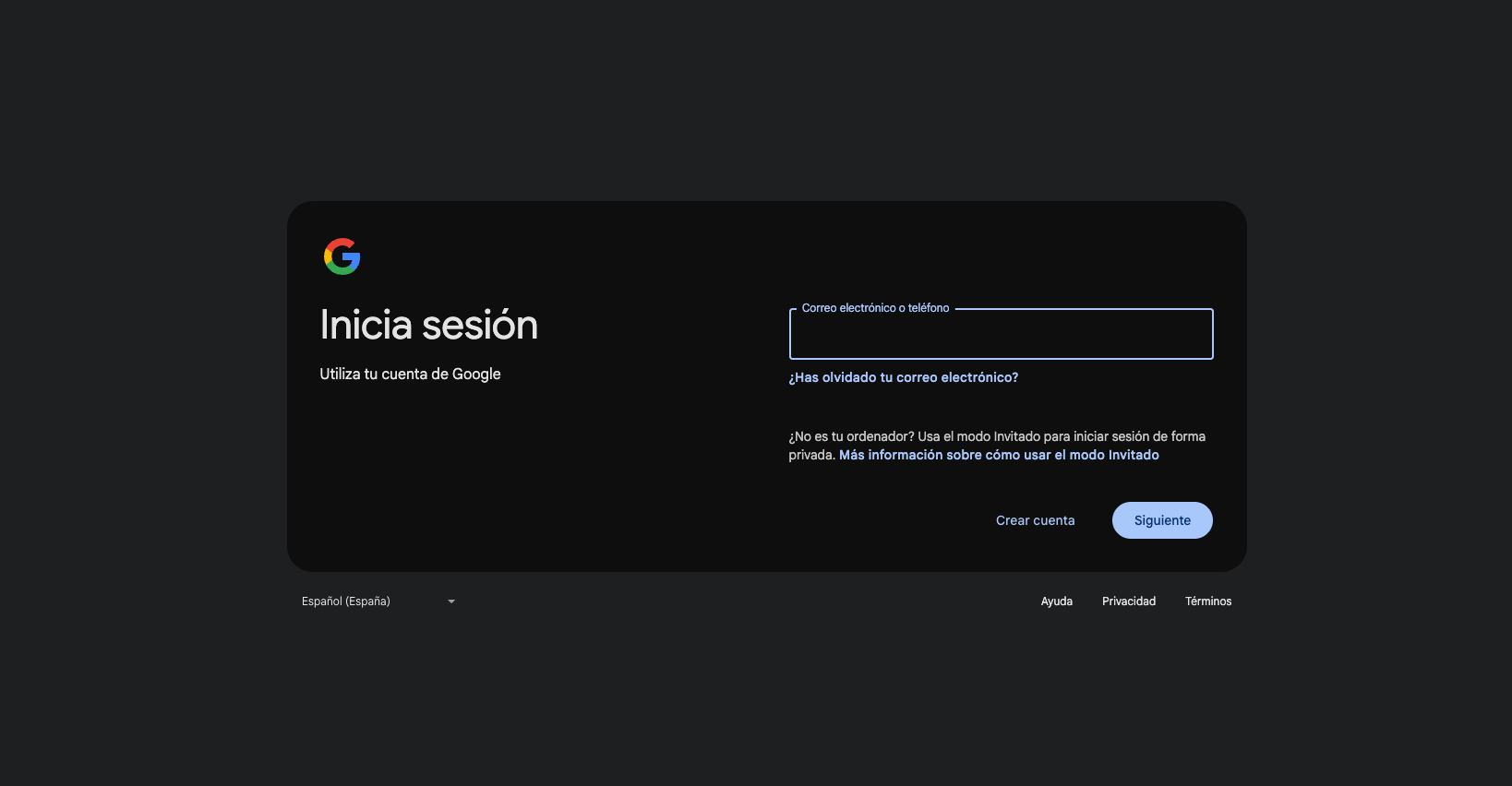
If you are not logged in with any Gmail account, it will ask you to register or create a new account.
Once registered, you will be redirected to the Notebook main page, where in your case you most likely don’t have notebooks created. But in mine, I already have the Alphabet folder created, and it is shared with the public, you can access it with the following link: https://notebooklm.google.com/notebook/58665d02-41fe-4015-8235-21a9e2455a50
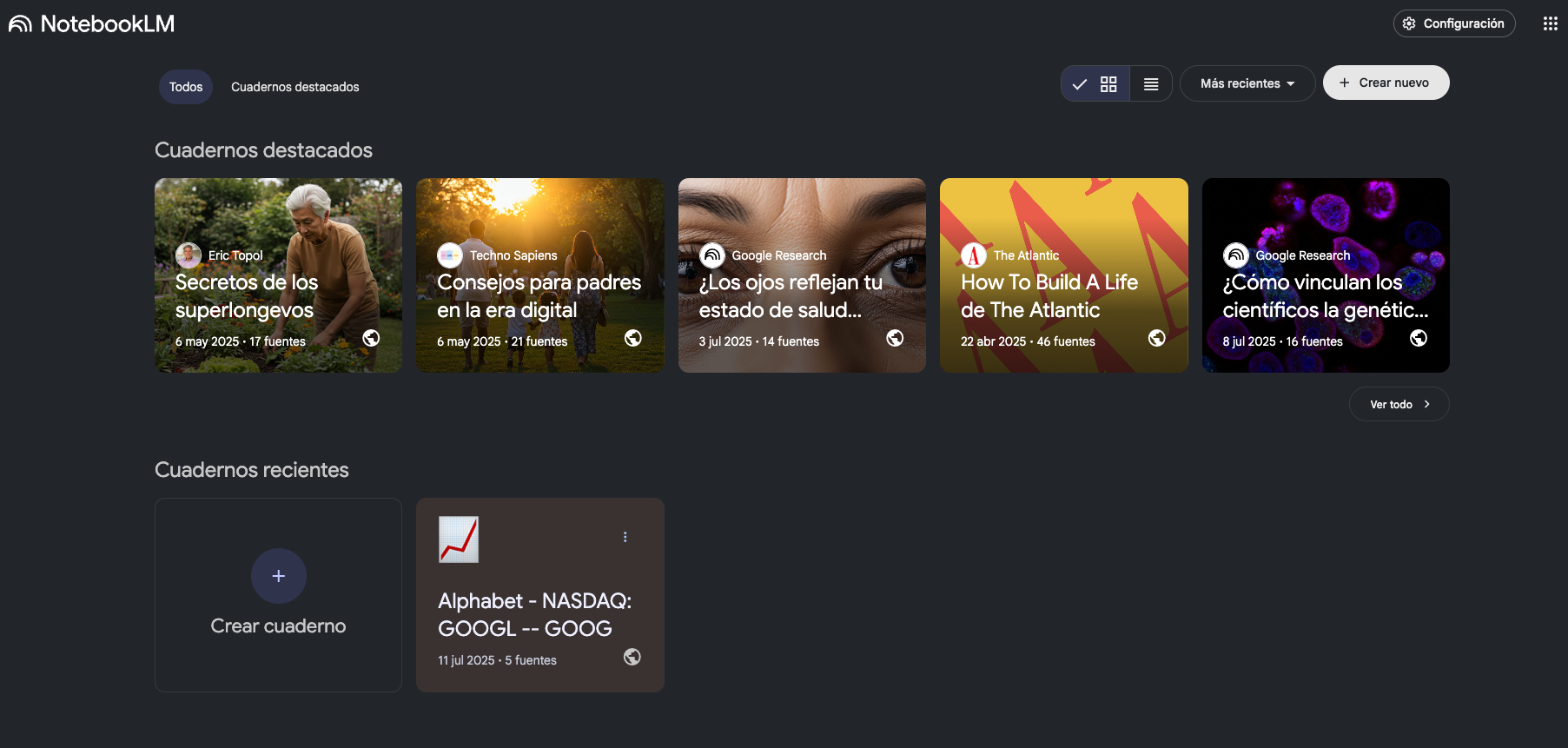
If you open the Alphabet folder using the link I gave you, you can see the following:
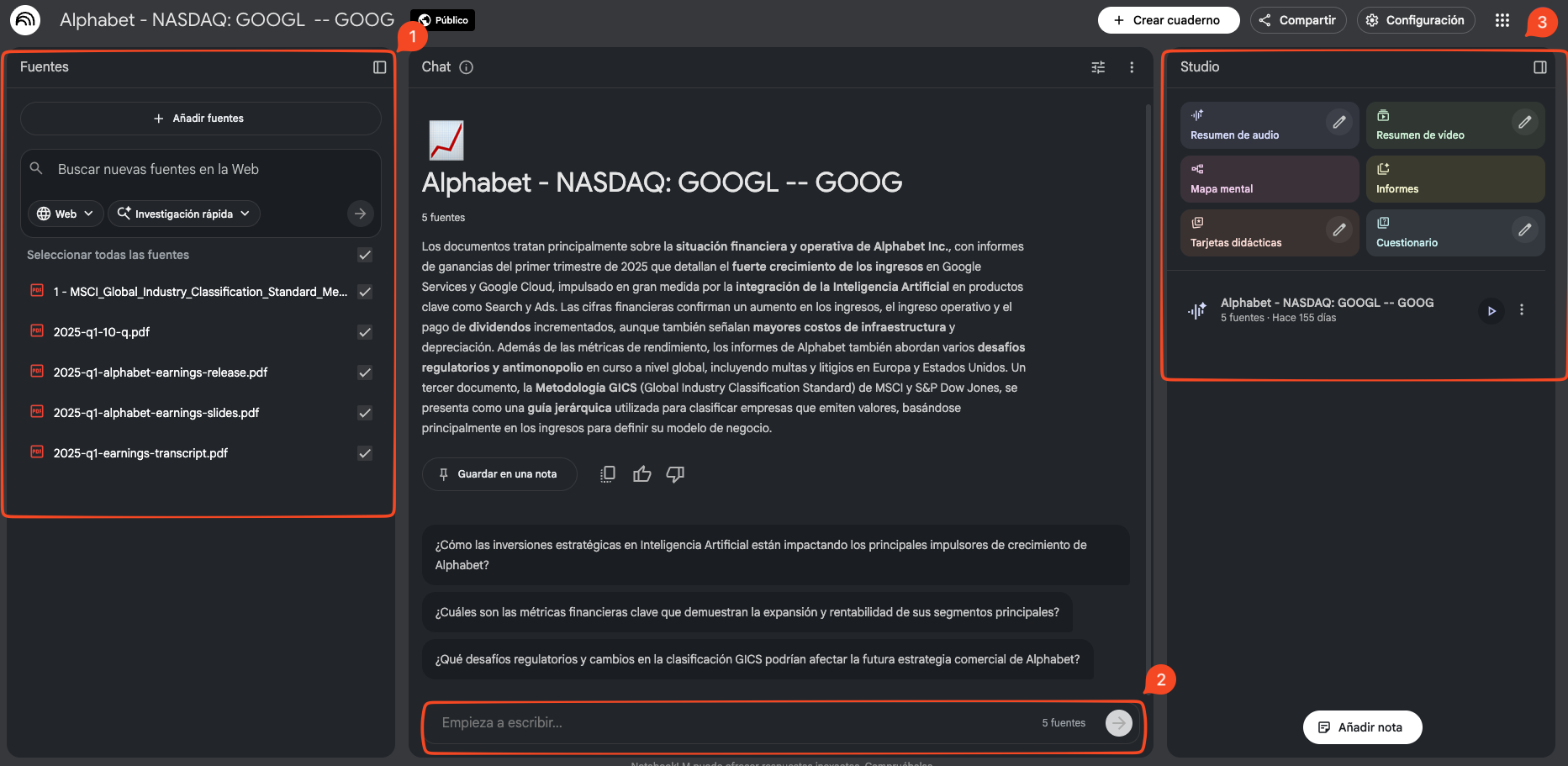
- The Sources section: where the files you have shared with NotebookLM are located
- The chat: where you can write the corresponding questions
- Studio: the part I love and am most impressed with about NotebookLM, the audio summaries are great.
In the shared folder, the Studio section will only show you Audio and not the options of “Audio Summary, Video Summary, etc”. If you want to try those options you must create your own.
I invite you to try it since it is a free, very powerful tool.
KOYFIN
Purpose: Koyfin also has accounting data, but they are less complete than Tikr’s data. The page is very convenient for viewing prices in chart form and making comparisons between companies, indices, etc.
I also use it to gather basic information, such as company description, its main market, in addition to indicating secondary markets, I find it extremely useful right when making first contact with the company.
How to get started?
As with the previous tools, the first thing is that you must create an account. After logging in, you will see the following:
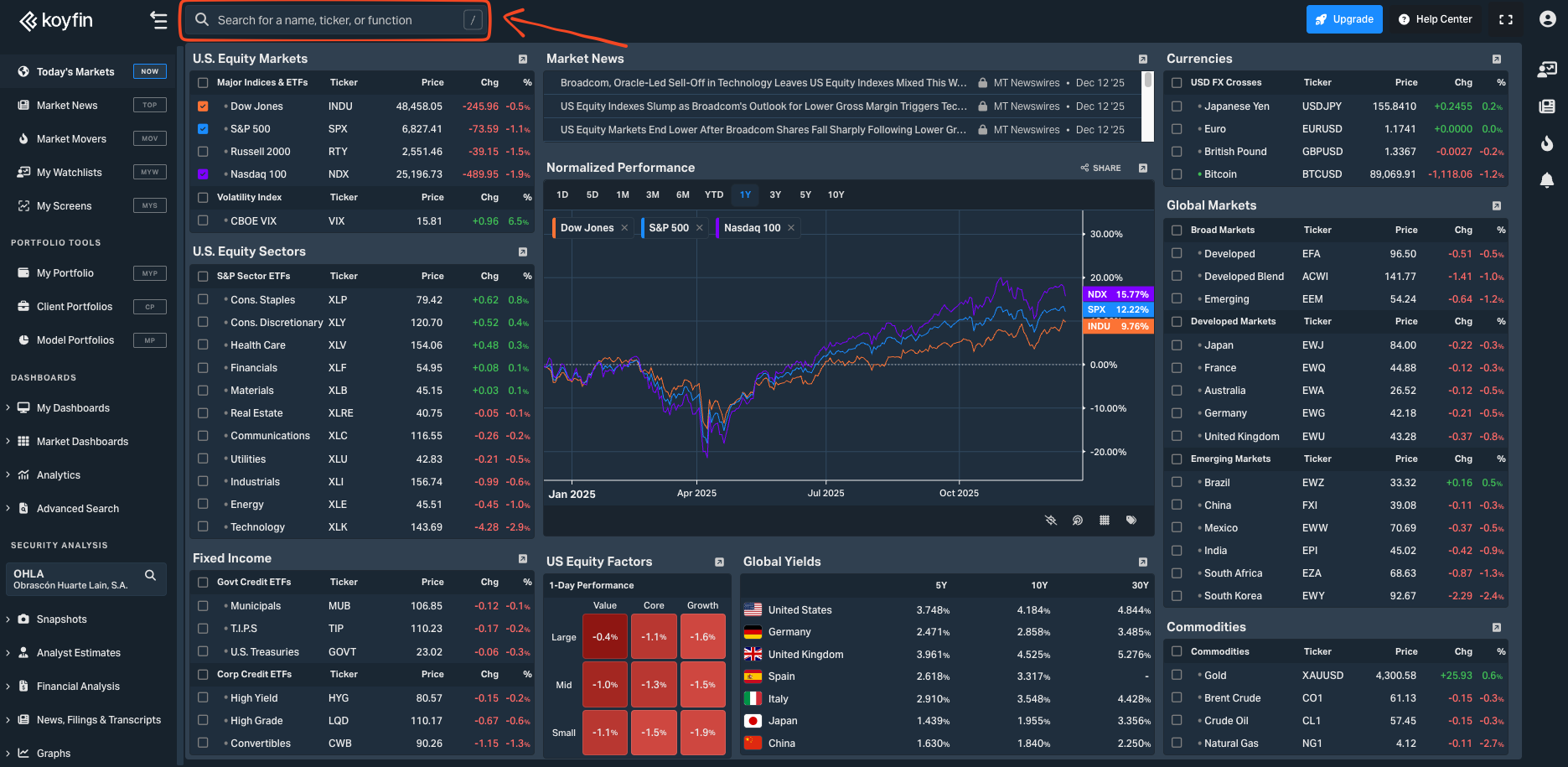
The part selected in red is the search engine, if you click on that part a pop-up window will appear, in which you can search for the companies you want, for example, let’s search for Telefónica:
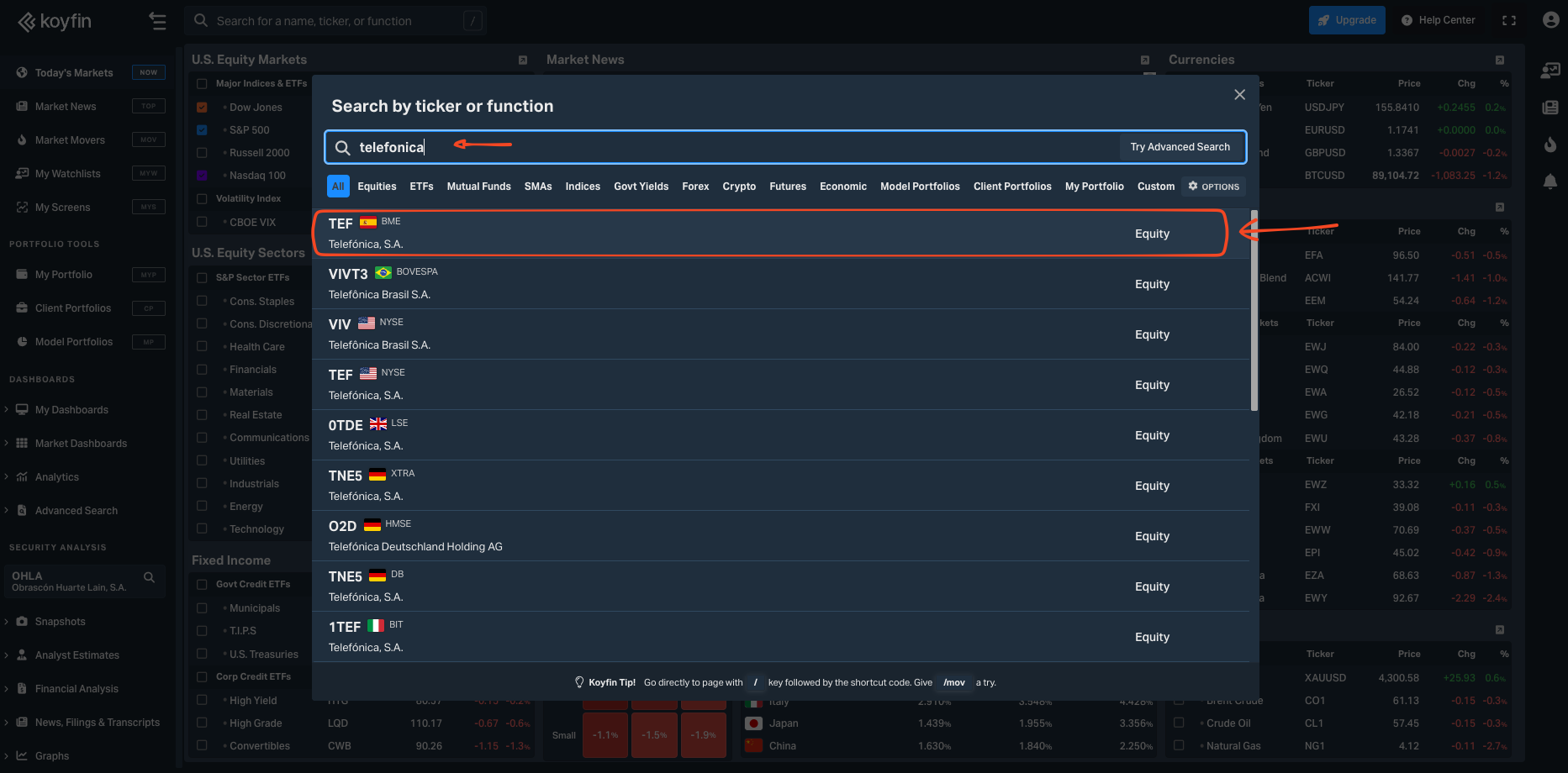
When you click on Telefónica, another list will appear, in which you can select the informational chart you want to view
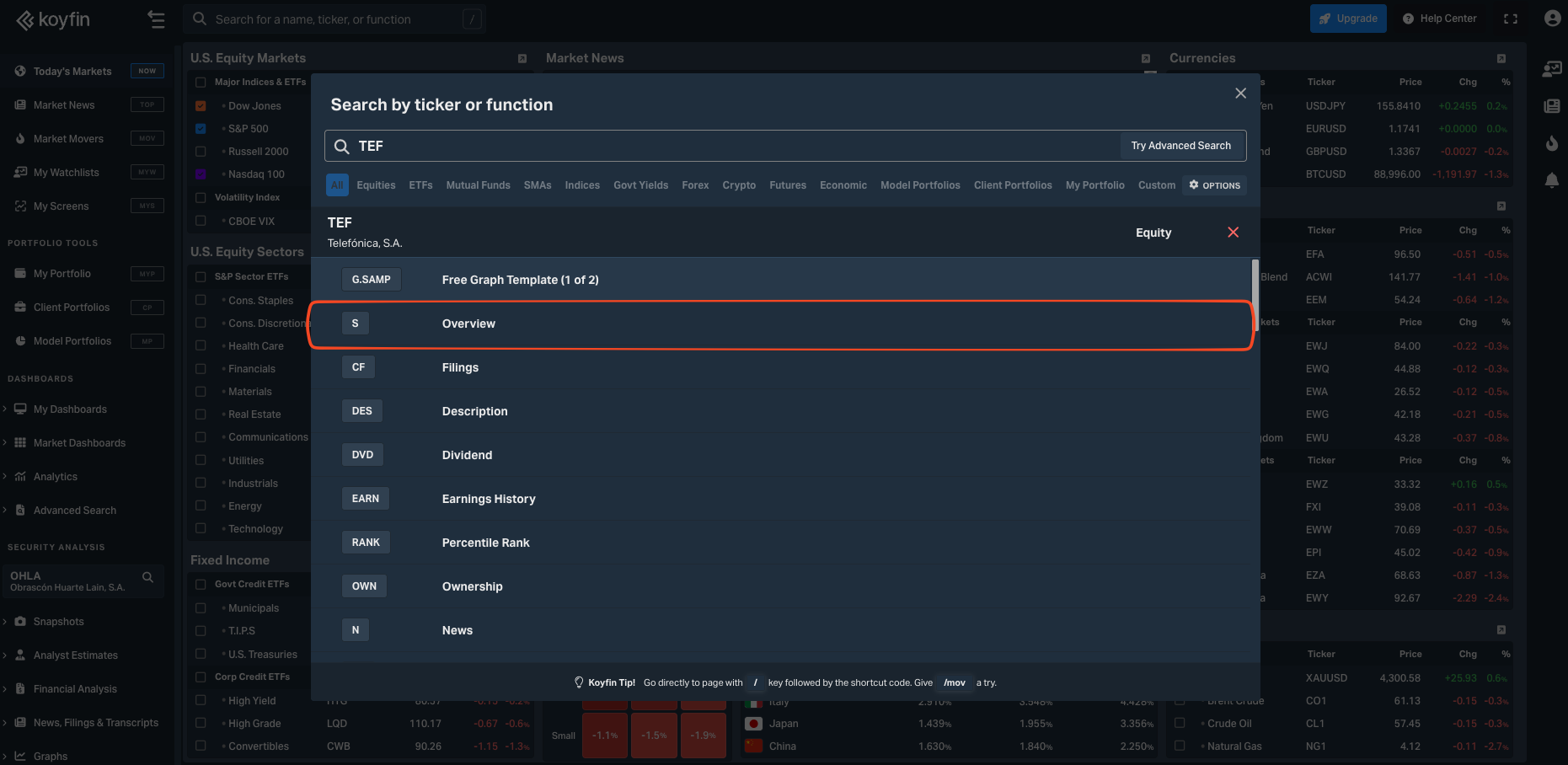
If you click on Overview, you will see the following information about Telefónica,
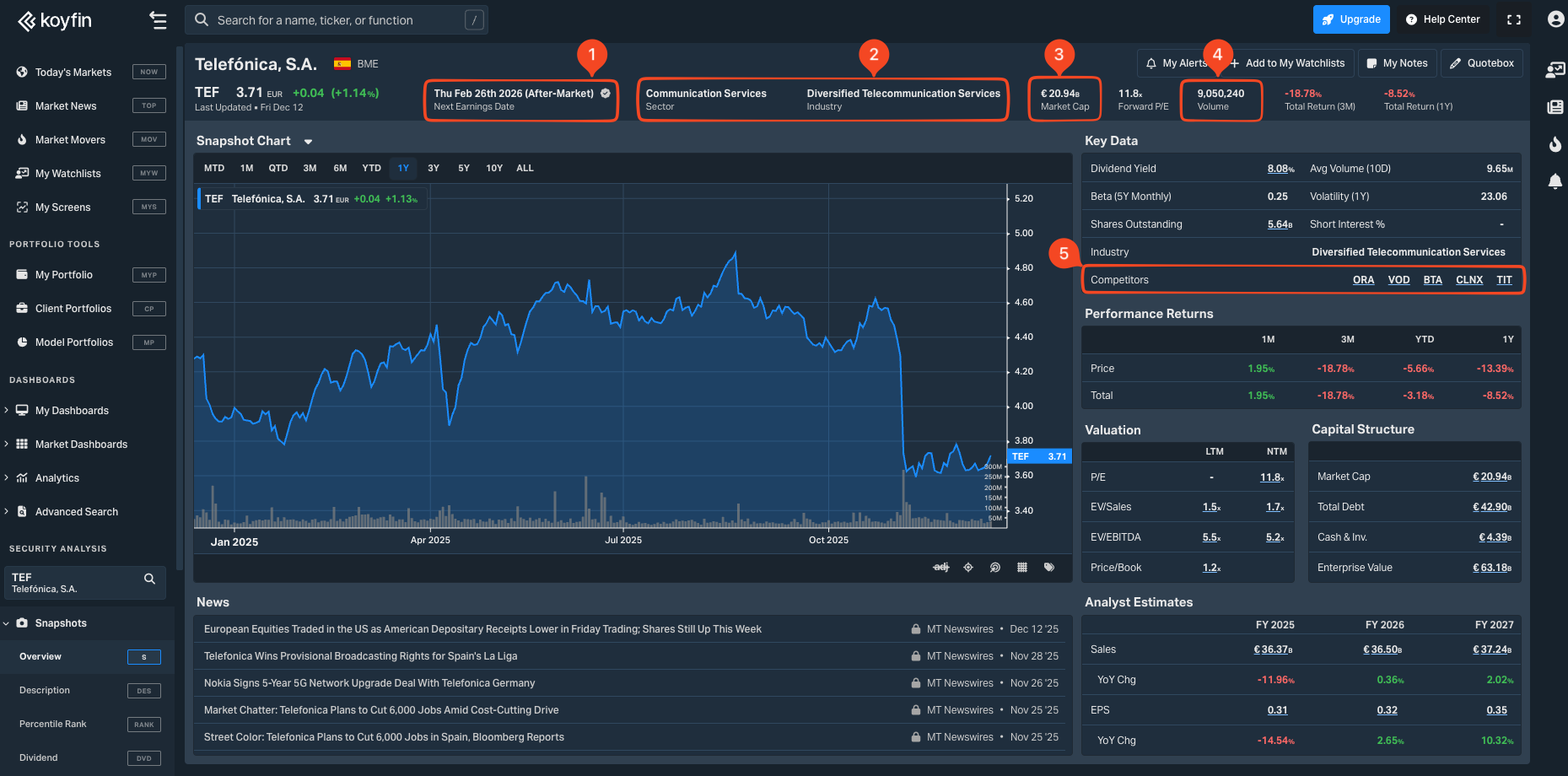
As you can observe, the information that Koyfin provides us is super useful:
- The next date of the company’s accounts presentation.
- Sector categorization
- Market capitalization
- Volume
- Competitors
Other tools
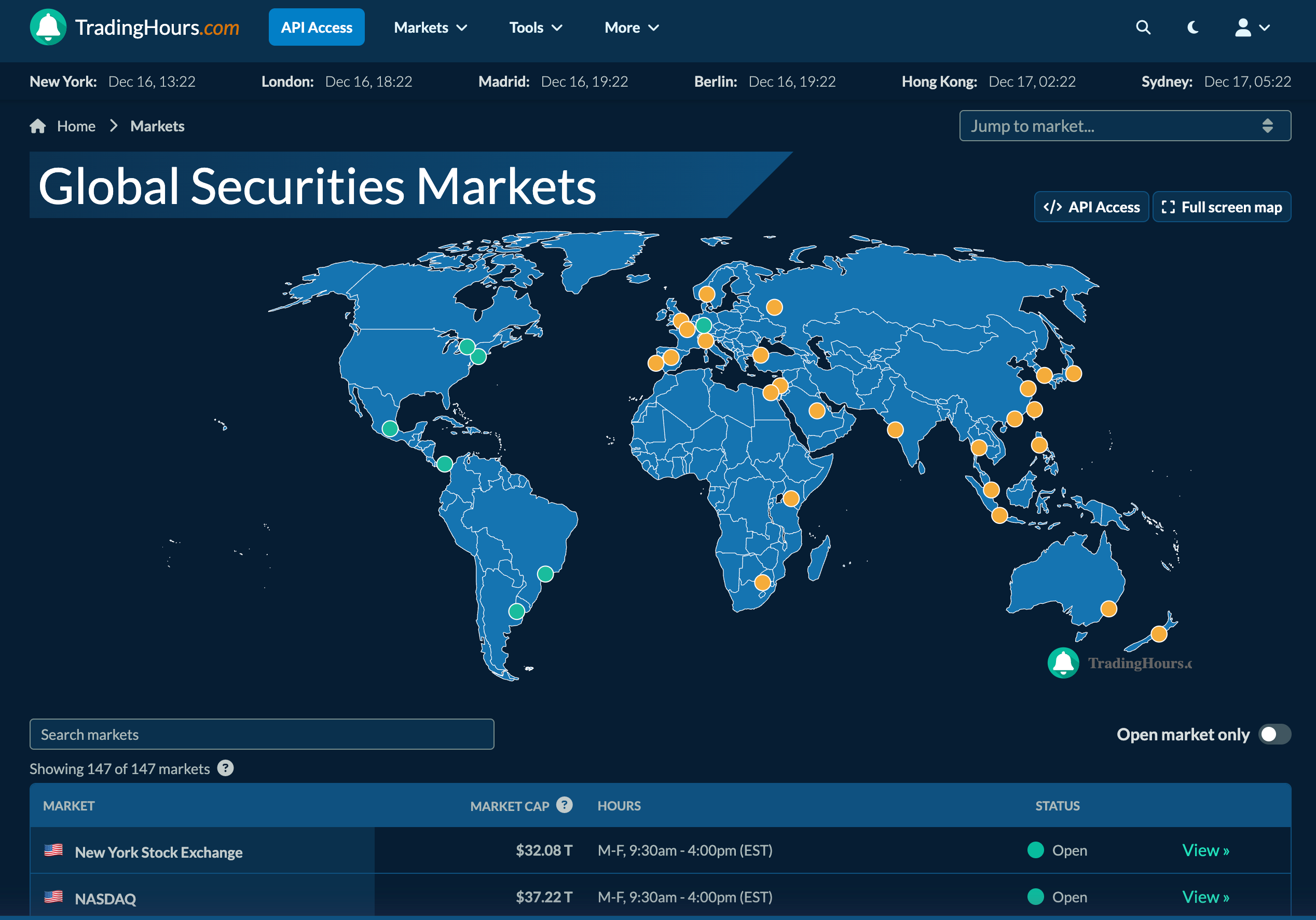
Although I don’t use it often because the hours and alerts are provided to me by the broker I trade with, but I want to mention it again, to have the tools in one place: https://www.tradinghours.com/markets